Hi, I'm Eric Hernandez, an engineer, an educator, a husband and father. I run
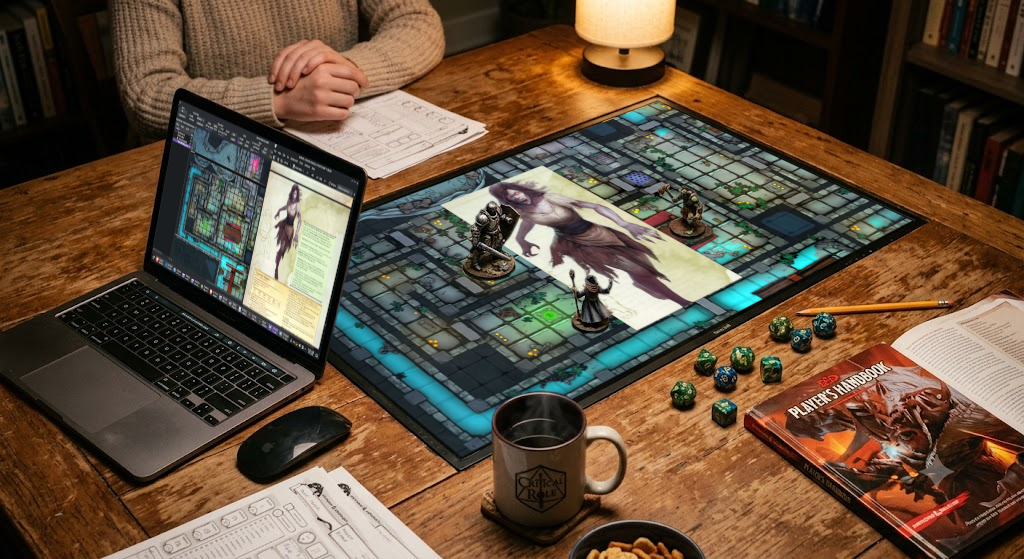
games in person, at a table with an LCD laid flat with minis on top. Every
virtual tabletop I tried treated in-person play as an afterthought, or was
overly complicated, required too much prep time, wouldn't run on Linux,
or was paywalled. So I built my own. GMing is already hard work behind the scenes,
I wanted tools that let me prep less, not more.
The software is free, forever: open-source, simple, and purpose-built.
AGPLv3. No paywall, no account, no upsell.
A few things still cost money. Code-signing certificates run about $250 a
year: Apple's Developer Program to notarize the macOS builds, and
Microsoft Trusted Signing for Windows. Domain names and hosting are
another $50. Your support on Patreon helps me cover the cost, and keeps
development going. Thank You!
If these are useful to you, you can support the work on Patreon.
 Arcane Atlas
 Arcane Eye
 Arcane Audio